XS-AdminMenu
A full admin panel with threat detection, ban evasion matching, player management, reports and inventory tools.
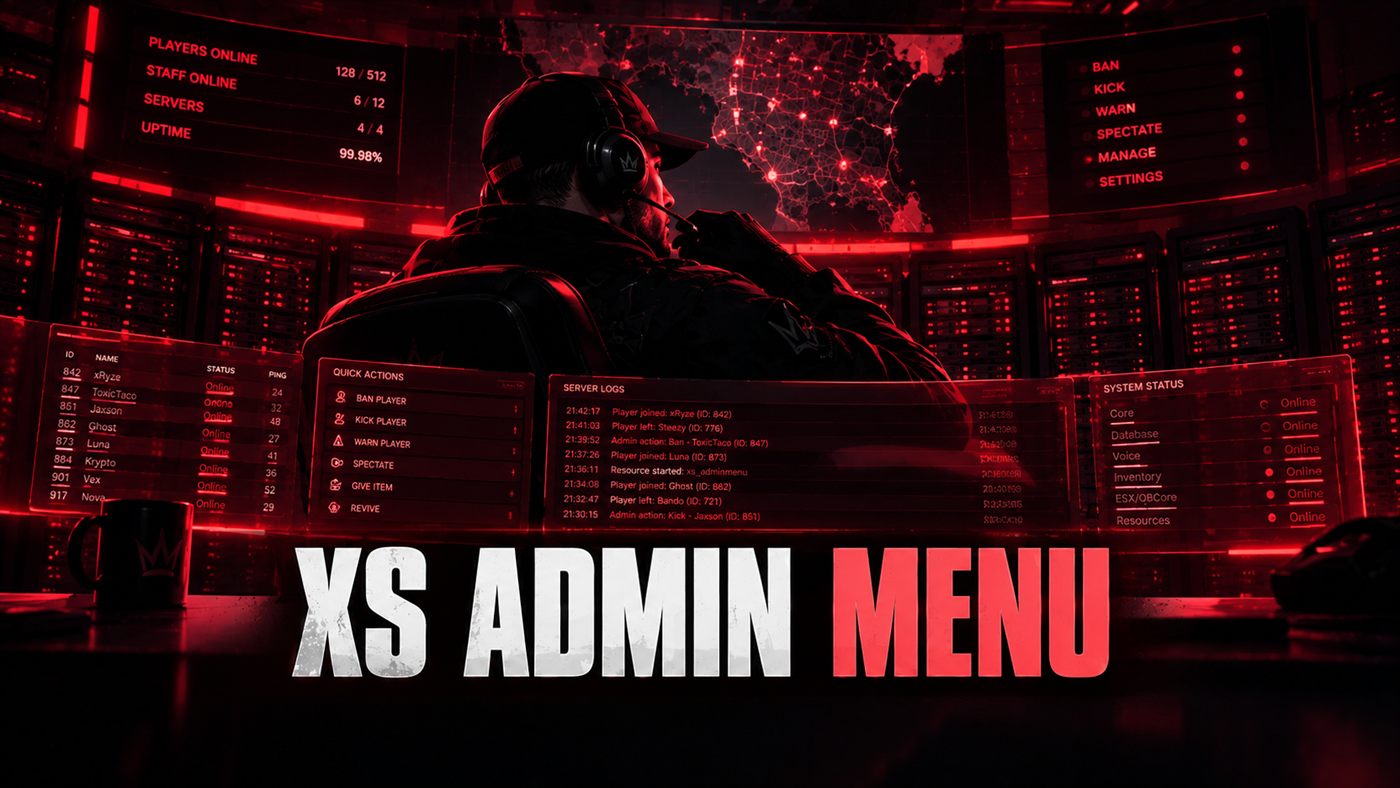
What it does
Everything your staff need in one panel — and since 1.2.0, two things most admin menus leave to a separate resource: automated threat detection, and bans that survive someone making a new account.
What you get
Live map — every player on a map of San Andreas, click a dot to spectate, go to or bring them
Warn and ban from the character lookup whether they're online or not
Temp-ban ladder — the ban menu checks their history and suggests the next step up
Ten automated detections with a live threat feed and auto-actions you control
Multi-identifier bans, hardware token matching and linked-account detection
Kick, warn, ban, mute, freeze, spectate, revive, kill, eject and teleport
Mass actions — summon, freeze and revive everyone at once
Character lookup with job, money and notes management
Inventory viewing, editing and item transfers
Screenshot capture and live player watch
63 self actions across eight sections, with a filter box and pinned favourites
Entity inspector, server stats and resource manager
Editable staff roles, permissions and audit logs
Recolour the panel, rename every command and edit the pick lists from config
Notifications through ox_lib, QBCore, chat or your own event
Per-admin Settings panel — accent, layout and behaviour, stored on your machine
Item spawner reading your server's real item list, searchable, give to anyone
Vehicle spawner and weapon picker built from your framework, not a hardcoded list
Try it in your browser
The real panel on sample data — including the threat feed, ban evasion matches, item spawner, settings, player list and audit log.
Runs in this page on sample data.
A look inside
Latest updates
Before you install
- Nothing bans anyone until you say so. Every detection ships set to flag.
- Your staff are exempt, and so is anyone they just teleported — noclip is a teleport and a revive is health from nothing.
- Two detections come from the client and are labelled as advisory in the panel, because a client can lie. The useful half is a client that stops answering.
- Owners bypass role checks, so verify every identifier in Config.Owners before going live.
- Re-upload the whole folder when you update. If client/detection.lua goes missing, the panel flags every player at once — that detection fires when a client stops answering, and a client that never got the file never answers.
- Health, position and speed checks need OneSync. Without it the event-based detections still run, and the panel tells you which mode you are in.
- Inventory tools require a supported inventory resource.
- Screenshot features require screenshot-basic or screencapture.