XS-MultiCharacter
A character screen built around photo cards. New characters start with a kit you set and land at the airport, and you pick where to spawn by flying the camera over the map.
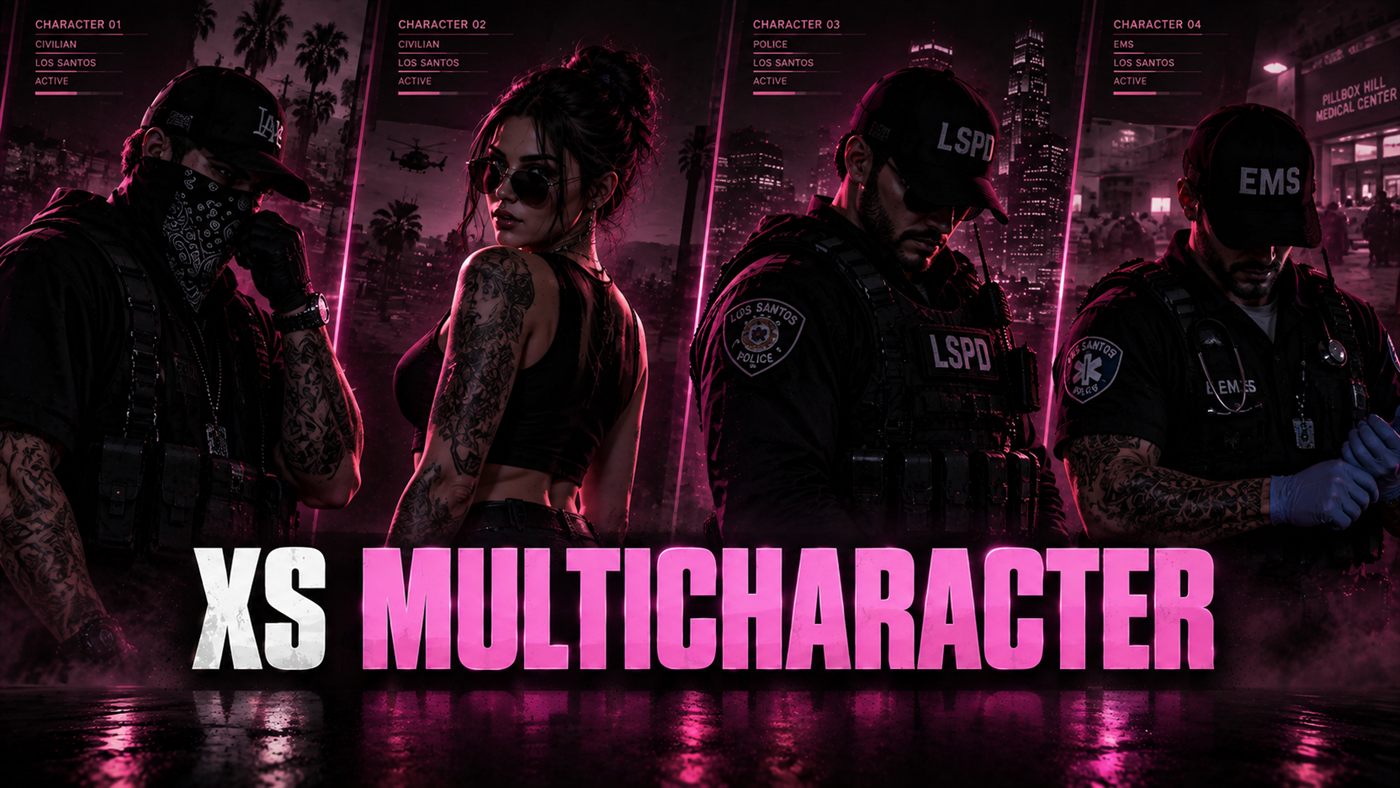
What it does
Every character is a card with a photo taken from their own ped. Pick one and a panel shows their job, money, playtime and where they were last seen, plus anything your other scripts want to add. New characters fill in a short form with the starter kit shown next to it, then land in a short arrival scene before the apartment and clothing screens. Spawning uses the same cards for places, and the camera flies to each one as you pick it. Staff get a records panel to fix a name or a birthday on any character, online or not.
What you get
Character cards with a photo taken from each character’s own ped
A details panel: job, cash, bank, playtime, last seen, and anything other scripts add
Starter kit for new characters: cash, bank and any items, shown on the create screen
A short arrival scene for brand new characters. Space skips it
Spawn picking with real map cameras, grouped by area, with spawns locked to a job or an ACE
Saved appearance previews for illenium-appearance, fivem-appearance and qb-clothing
Remembers a ped a character was put in, with no ped picker
Job animations on the preview ped
Slots by ACE, by license, or from another script
Staff records: search any character and fix a name or birthday, online or offline
Your own accent colours in the config
Try it in your browser
The real character screen on a sample account. Pick a character, make a new one, or play and choose where to spawn. In game the photos come from each character’s ped, so the demo uses stand-ins.
Runs in this page on sample data.
A look inside
Latest updates
Before you install
- Disable the multicharacter resource your framework shipped with. Two selectors running together will fight each other.
- Qbox servers need useExternalCharacters = true in qbx_core/config/client.lua.
- Starter kit item names must match your inventory. Anything it can’t find is skipped and named in the server console.
- Test one existing male and one existing female character to confirm the saved appearance query matches your table layout.