XS-MDT
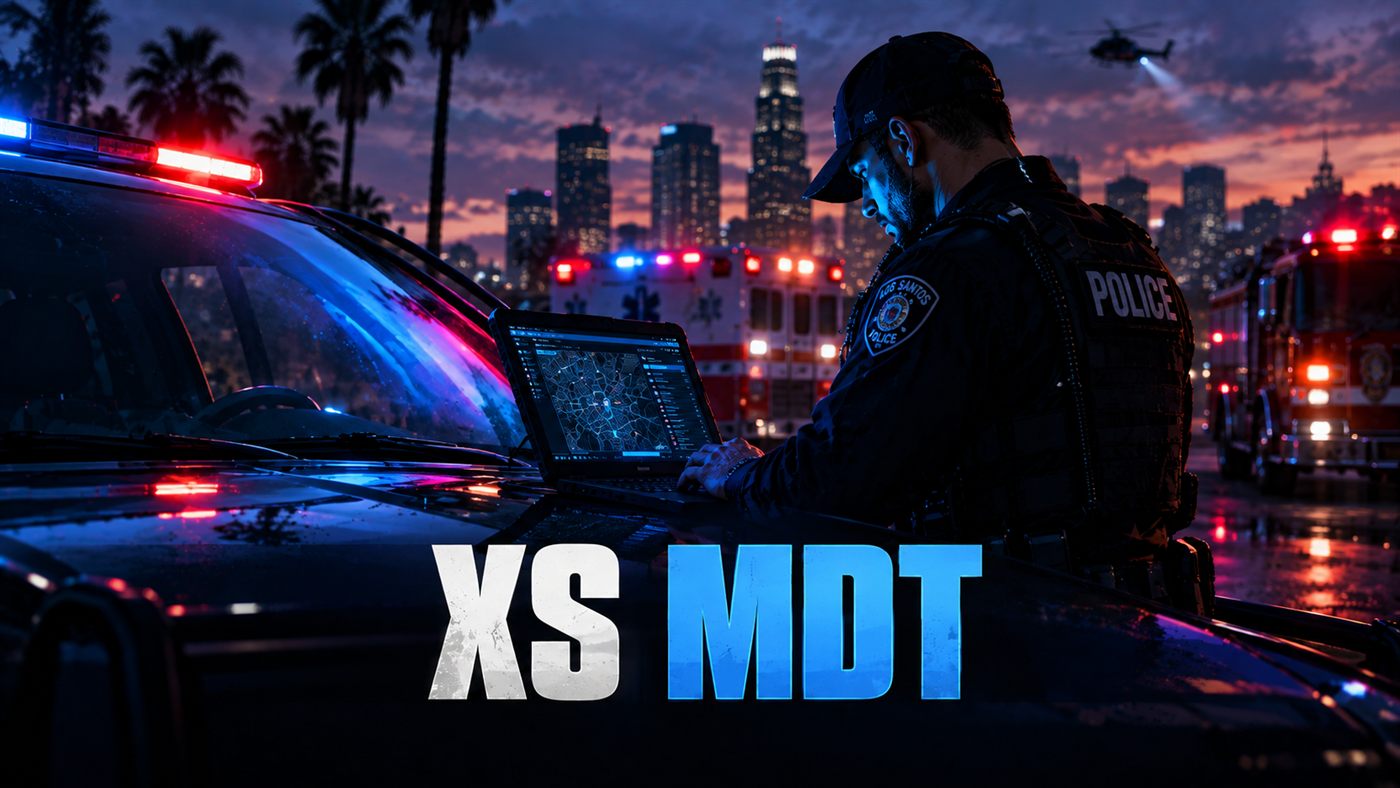
Police, EMS and fire in one MDT. Live CAD, full arrest and incident reports, cases and evidence, cameras and live body cams, and a map of every unit on duty.
What it does
One MDT for police, EMS and fire, and each department only sees its own panels. Arrests and incidents are full reports you can link together. Cases pull a whole job into one folder: reports, evidence, people, vehicles and guns. You can watch bank and store cameras, or a unit's body cam live. It runs on Qbox and QBCore, sets up its own database, and works with the dispatch script you already run.
What you get
Live CAD with priorities, unit notes and GPS routing
Arrests and incidents as full reports, with templates and autosave
Cases that hold reports, arrests, evidence, people, vehicles and guns
Evidence locker with evidence numbers and a custody log
Weapons registry you search by serial
Bank, store and street cameras, plus live body cams
Civilian and vehicle lookup by name, phone, alias or partial plate
Warrants, BOLOs and citations
Grant, suspend and revoke driver, weapon and business licences
A 178-charge penal code with fines and jail time
EMS patient care reports, medical records and a controlled substance log
Fire incident reports, hazmat tracking and an apparatus roster
Live map with every unit on duty and every open call
Roster, officer files, Internal Affairs, field training and SOPs
Works both ways with ps-dispatch, qs-dispatch, cd_dispatch, rcore_dispatch and more
Audit log and a management panel for supervisors
Try it in your browser
The full MDT on sample department data. Every panel is unlocked here — police, EMS and fire — so you can see the whole thing in one pass. One call on the board came in from ps-dispatch, and a new CAD call comes in shortly after you launch it.
Runs in this page on sample data.
A look inside
Latest updates
Before you install
- Works on Qbox and QBCore.
- Run sql/mdt.sql once. After that the script updates its own database when it starts.
- Coming from 2.x, replace the whole folder and copy your config changes into the new config.lua.