XS-RestaurantSystem
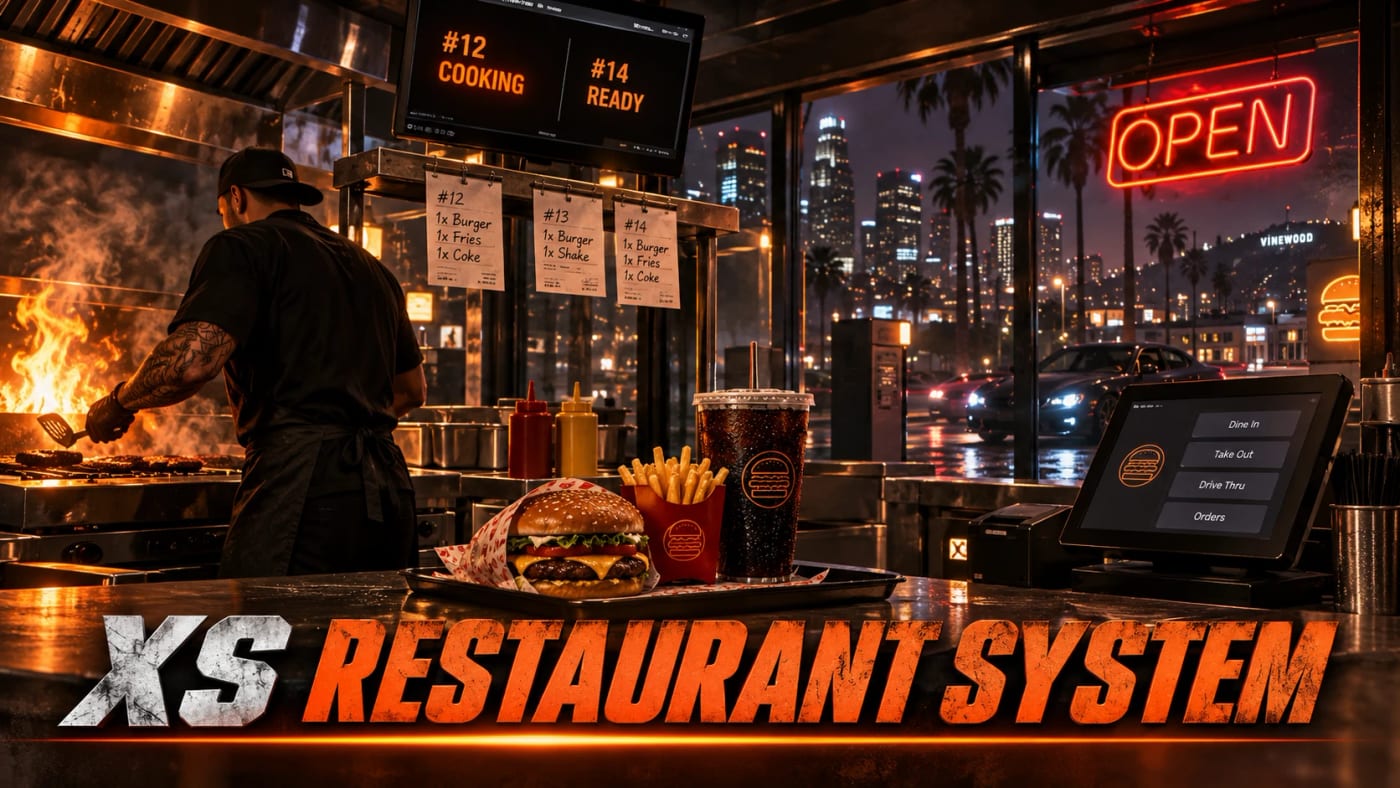
Restaurants, bars and cafes, all built in game. Players ring up orders, cook at stations with minigames and hand the food over. No NPC customers.

What it does
Staff build every food and drink business from a builder: registers, cooking stations, kitchen and pickup screens, menu boards, kiosks, a drive-thru and seats. Employees ring up orders, the customer pays on their own screen, the kitchen sees the ticket on the wall and cooks make the food at stations with a minigame. Customers can order ahead from their phone for pickup or delivery, and the boss runs the place from an office laptop. Every business picks one of 8 themes, from paper order tickets to a neon bar.
What you get
Restaurants, bars and cafes built in game, with 11 styles to start from
8 themes per business: Modern, Order Ticket, Pizzeria, Coffee House, Diner, Pub, Sushi Bar and Neon Night
Registers where the customer pays by card or cash on their own screen
Kitchen and pickup screens on the wall, and menu boards with sold out
Cooking stations with 7 minigames, recipes that feed each other, and up to 5 at once
Self-order kiosks that only work while someone is on shift
A drive-thru with an intercom through pma-voice
A food app on 7 phones, or /food, for pickup and delivery orders
Staff deliveries with GPS to the customer
An office laptop with sales, prices, sold out, the business account and supplies
Supplies by van to the back door or from a warehouse
Sales go into the job account of your banking script, with Discord logs
Try it in your browser
The real builder, register, kitchen, kiosk and office on sample data. Switch screens and themes at the bottom. Nothing to install.
Runs in this page on sample data.
A look inside
Latest updates
Before you install
- Food, drinks and ingredients are your own inventory items. Add them first, then pick them in the builder.
- Each business uses one of your jobs, and sales go into that job's account in your banking script.
- Run /restaurantbuilder to build your first place.